
Unique and unobtrusive OS X iTunes controller that makes it very fast to choose how to use iTunes for the possible best results.. #ITunes controller #Control iTunes #Rate song #ITunes #Controller #Play
iTunes controllers are a popular choice because they eliminate the need to deal with the media player’s interface, and provide a more streamlined user experience.
SizzlingKeys is a software solution specifically designed for managing iTunes in an unobtrusive manner, via intuitive, user setup hotkeys.
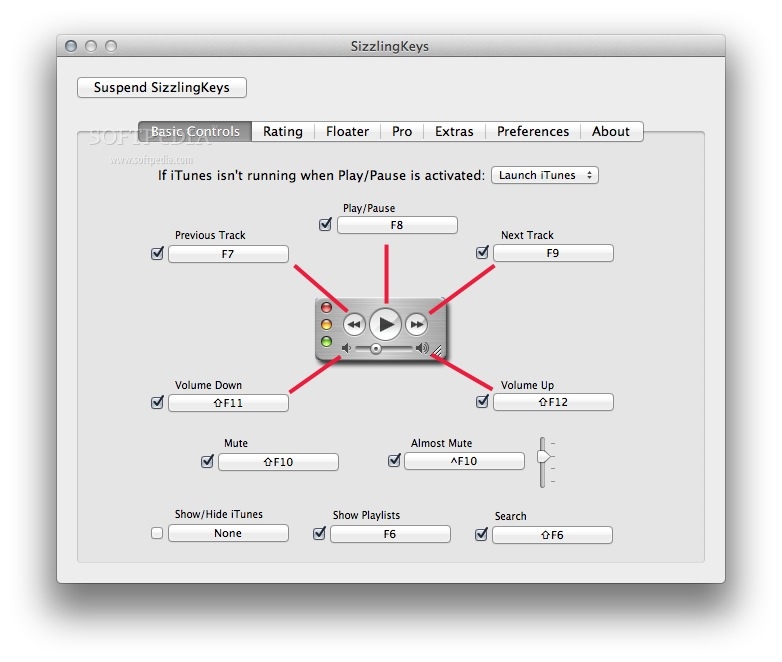
SizzlingKeys comes with a collection of predefined keyboard combinations assigned for basic controls, but you can easily customize them to match your own inclinations. At first launch, SizzlingKeys places an icon in the Dock, which provides quick access to the settings panel.
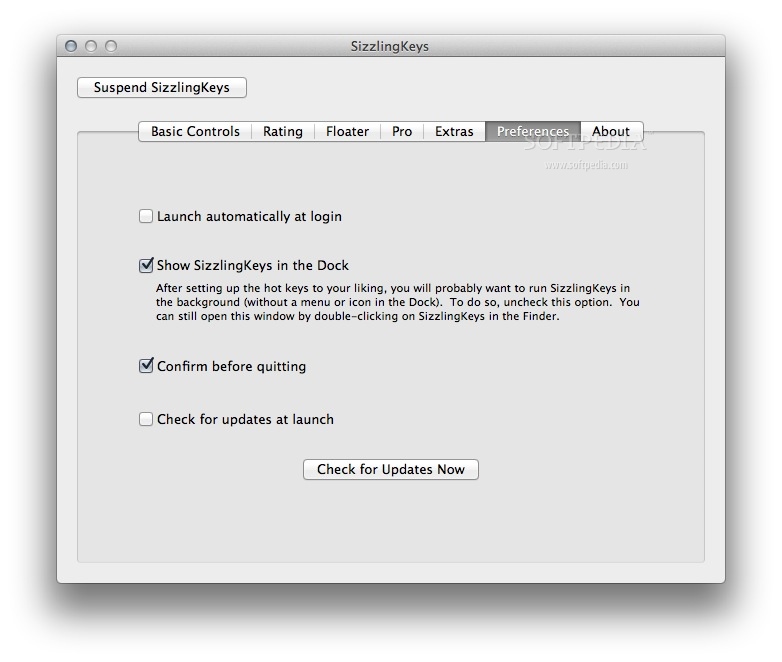
After performing the necessary adjustments, you should simply disable the Dock icon, and allow SizzlingKeys to run in the background, without making its presence known, while all defined hotkeys remain accessible system wide (you can still access the preferences by double clicking on the app’s icon).
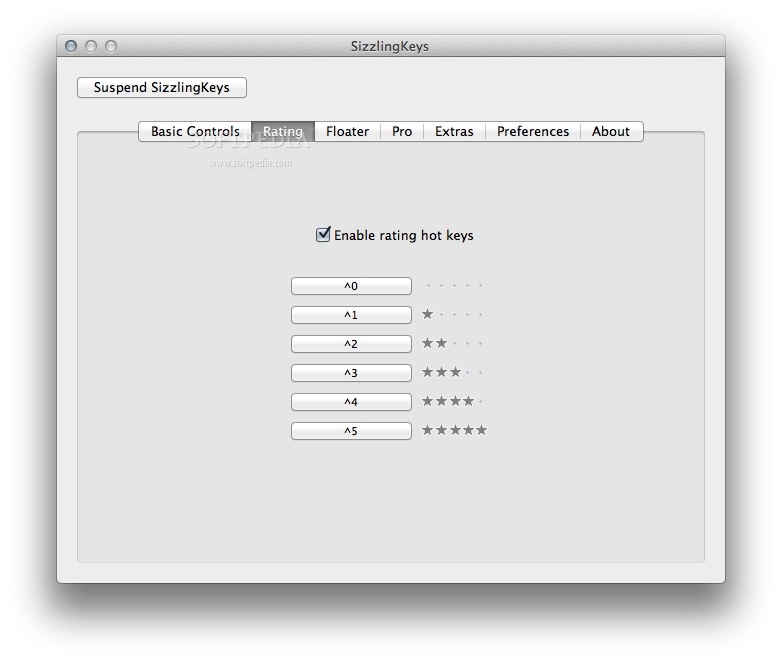
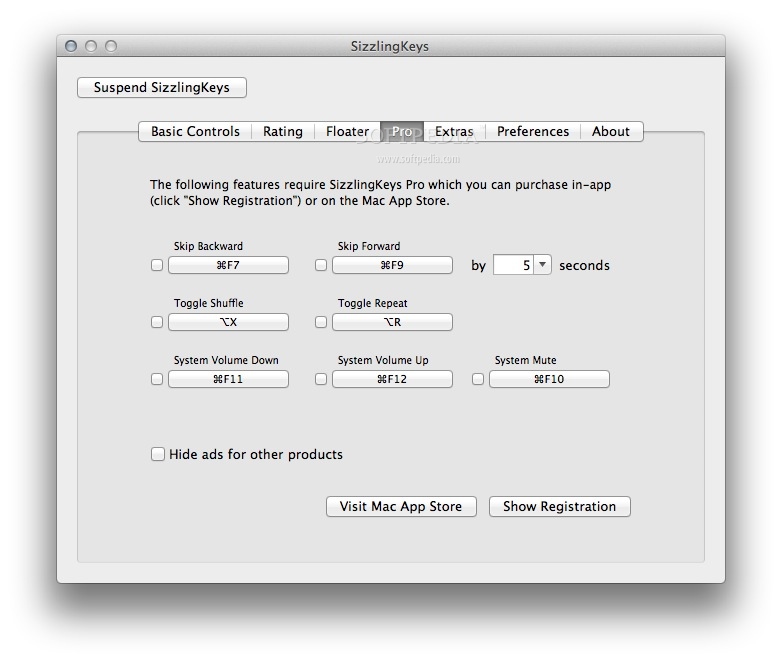
SizzlingKeys offers you the possibility to set up keyboard combinations for common functions: play / pause the track, skip to the next /previous track, increase / decrease volume, show playlists, search, show / hide the iTunes window, skip forward / backward by a certain number of seconds, adjust the system volume, or toggle the shuffle or repeat functions.
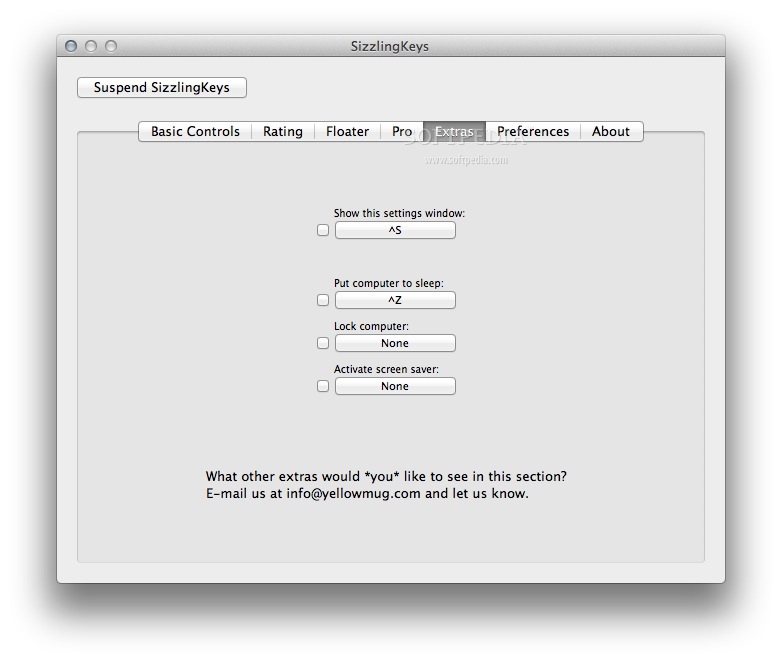
The application includes a couple of hotkeys for system functions: show the settings window, put the computer to sleep, lock the screen, or activate the screensaver.
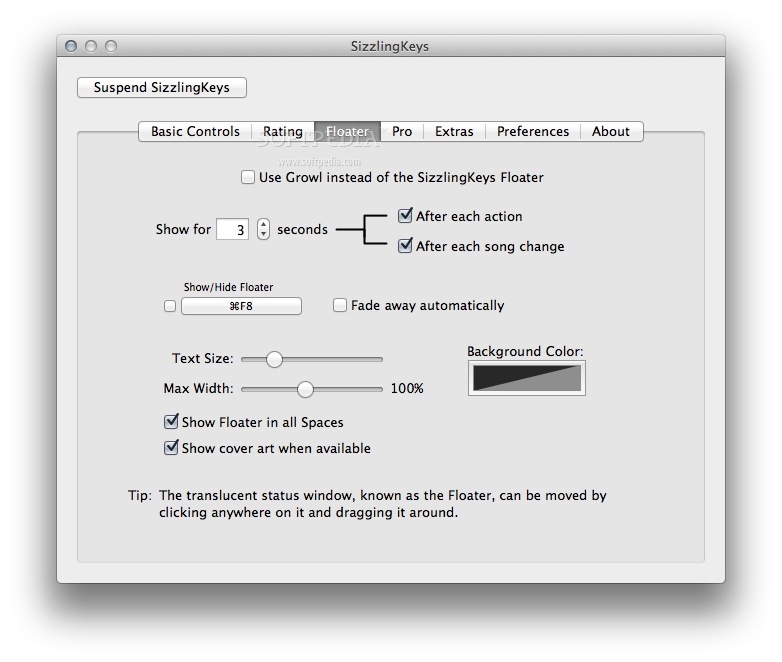
Moreover, SizzlingKeys provides a floater window where you can easily visualize details about the track currently playing in iTunes.
SizzlingKeys is the perfect tool to have on your Mac if you are using iTunes to listen to music and you want to avoid interrupting your work to manage the playback via the app’s main window.
The SizzlingKeys app allows you to set up system wide keyboard shortcuts for basic controls and does not make its presence visible in any way.
What's new in SizzlingKeys 5.1.4:
- Toggle Shuffle now works correctly with iTunes 12
SizzlingKeys 5.1.4
 Softpedia Editor's Pick
add to watchlist
add to download basket
send us an update
REPORT
Softpedia Editor's Pick
add to watchlist
add to download basket
send us an update
REPORT
- runs on:
- Mac OS X 10.7 or later (Intel only)
- file size:
- 2.6 MB
- filename:
- SizzlingKeys.dmg

- main category:
- Audio
- developer:
- visit homepage
4k Video Downloader

IrfanView

ShareX

Zoom Client

Context Menu Manager

7-Zip

Microsoft Teams

Windows Sandbox Launcher

calibre

Bitdefender Antivirus Free

- Windows Sandbox Launcher
- calibre
- Bitdefender Antivirus Free
- 4k Video Downloader
- IrfanView
- ShareX
- Zoom Client
- Context Menu Manager
- 7-Zip
- Microsoft Teams