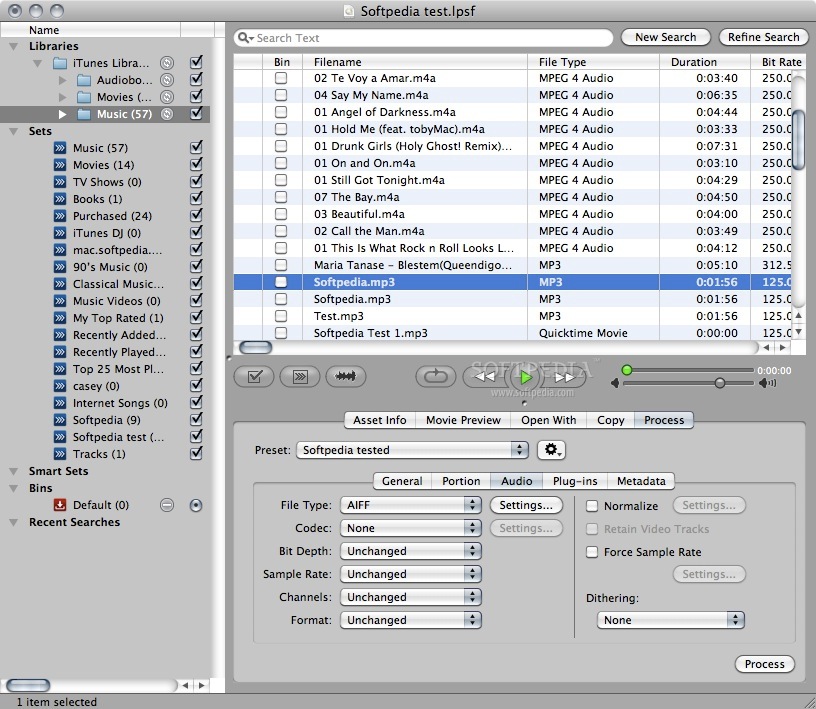
Are you looking for that "one" stable solution that gets the job done? Then you need to check out Library Monkey Pro! Rip CD libraries. Search, organize and edit audio assets. Batch-process through plug-ins. Edit metadata. Auto-region. Drag-n-drop right into your DAW editor and much more.
Whatever the task, Library Monkey Pro helps you save considerable amounts of time and money from the ease of use and creative features that make this the most complete audio software utility ever created! And now you can export using the pristine Thomson/Fraunhofer MP3 codec! Read below for the many features Library Monkey Pro offers in providing the fastest, most efficient, and rock solid audio utility available today!
Import It
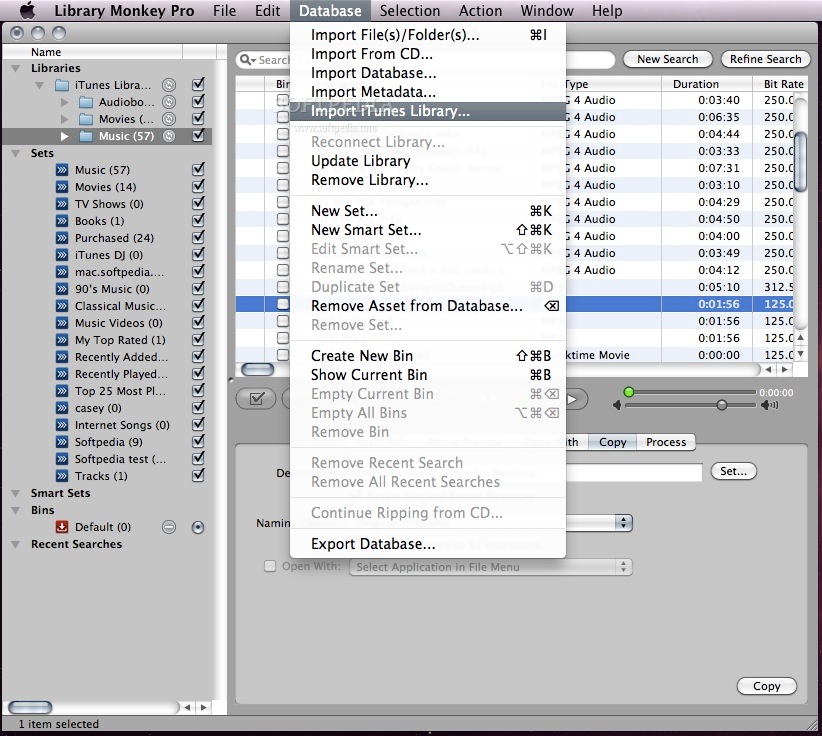
Import your existing audio assets with a simple drag and drop to get up and running quickly. Import text files to quickly add detailed text information for existing audio assets. Rip your CD audio libraries with full track and index support.
Organize It
Organize your assets according to their structure on your system, in the form of Libraries. You can also create Sets, in which you can organize your assets by project, talent, character, time frame, or any criteria you desire. Your Sets can have a hierarchy, and an asset can be in as many Sets as needed. In addition, you can create Smart Sets according to any set of criteria and Library Monkey Pro will keep them up-to-date as you add and modify assets.
Find It
In addition to creating Smart Sets, you can find specific assets quickly by performing a search. The search can be global or limited to specific Libraries or Sets. You can perform searches inside search results as well. Once you have found specific assets, store them in the Bin while you search for more. Once you're finished, select all the assets in the Bin for processing.
Edit It
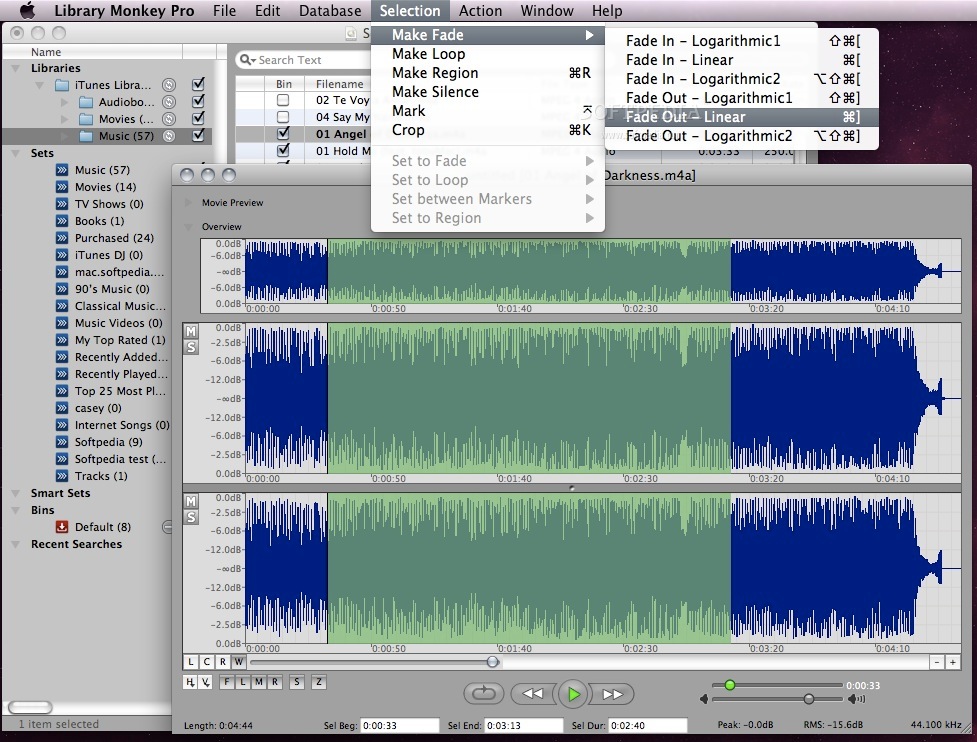
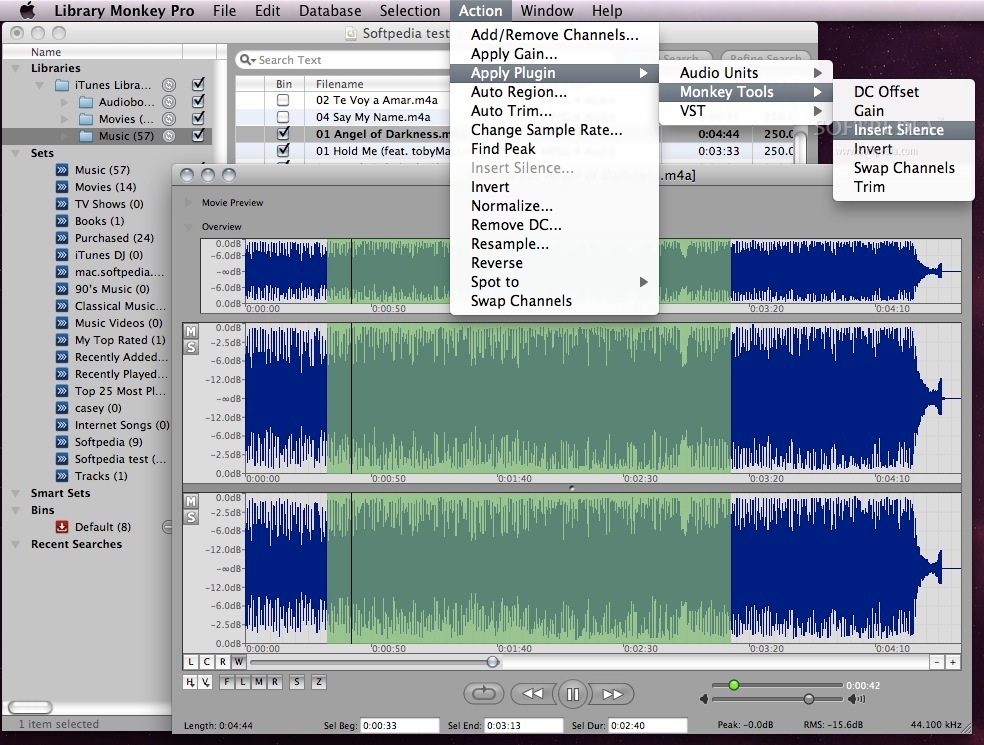
Open your assets in the waveform editor, and perform actions such as Normalize, Auto-Region, Auto-Trim, Apply Plugins, Change Sample Rate and more. Create and name regions for easy separation and exporting. Work with fades, loops and markers with an intuitive interface. You can also edit multi-channel audio and customize the editing environment to your liking.
Process It
Process your assets with these and many other time-saving features:
· Advanced MP3: Create MP3 files using the pristine MP3 FhG codec from Thomson/Fraunhofer. This is the "real deal" and you will hear the difference! We also include the MP3 LAME codec for additional support for the variety of MP3 processing needs.
· Droplets: Create droplets for those repetitive tasks. Then simply drag and drop assets and they will be processed with your custom settings.
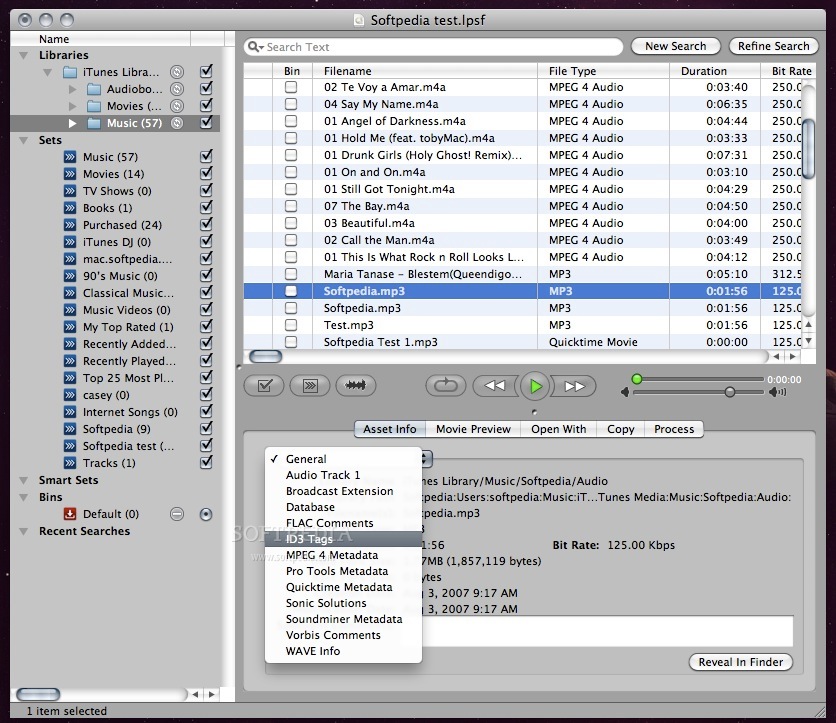
· Metadata: Process your assets with enhanced metadata tools. Whether you need to change the metadata of one file, or process thousands with the same data, you will find many unique options to save you countless hours in processing.
· Open With: Quickly open your selected assets in another application directly from Library Monkey Pro.
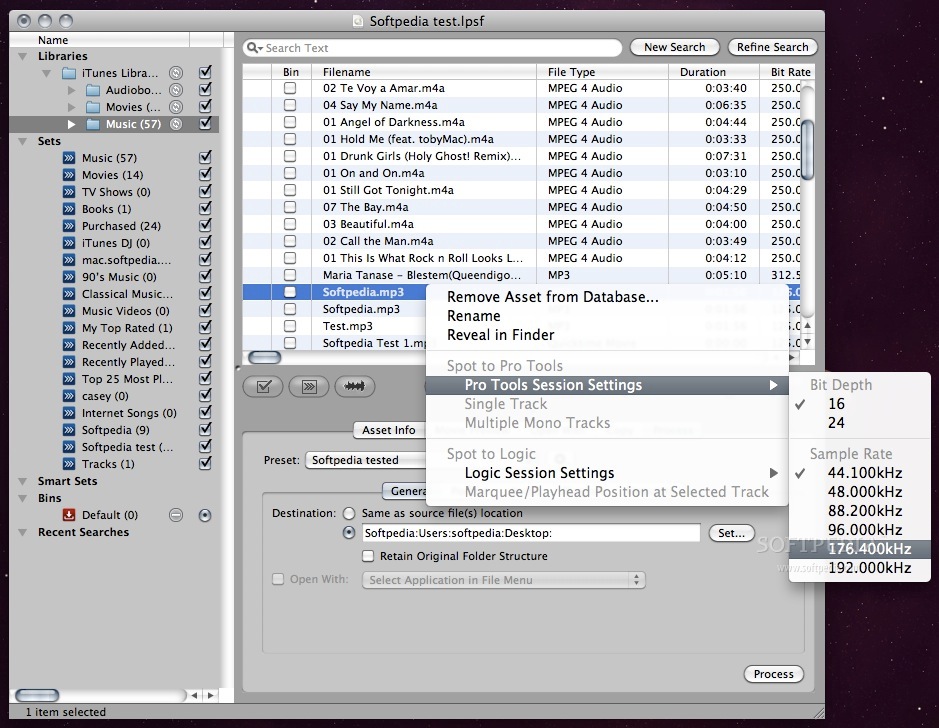
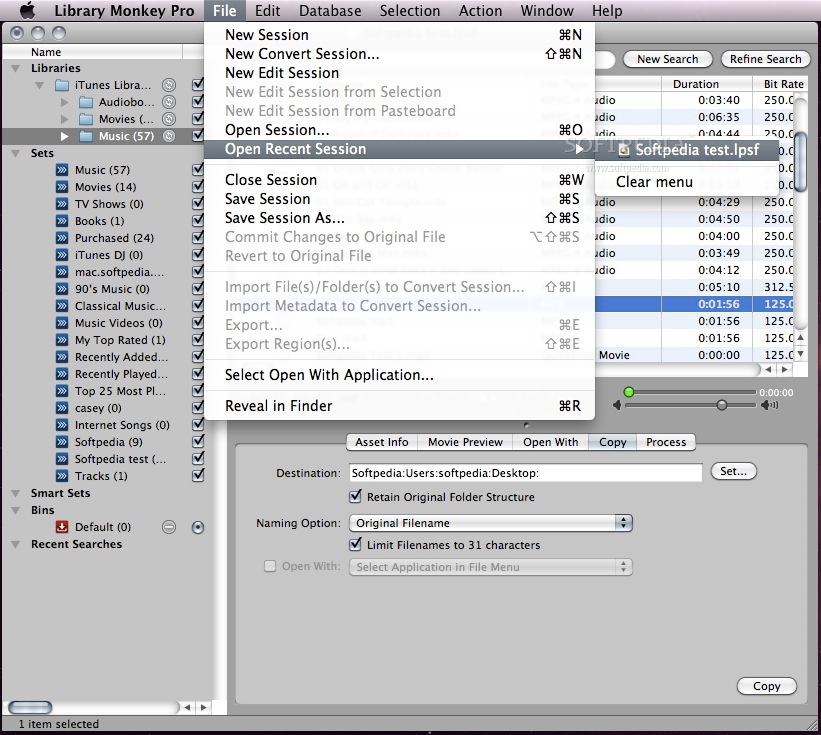
· Copy: Copy your selected assets to a desired location and then quickly open them in another application.
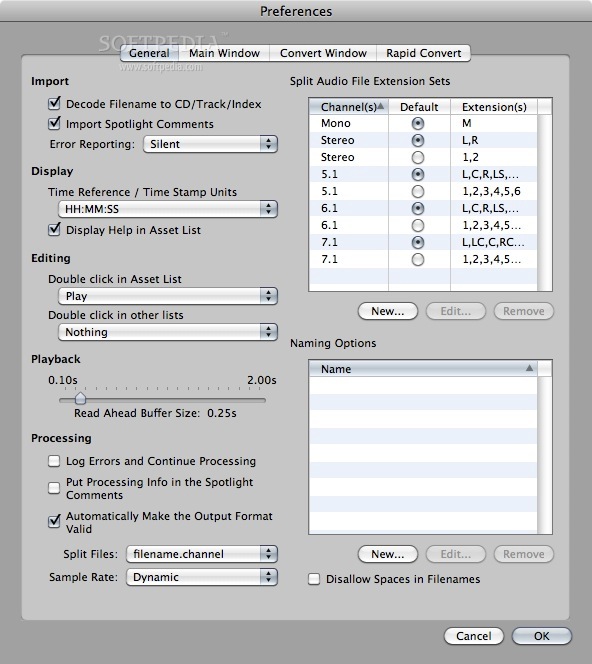
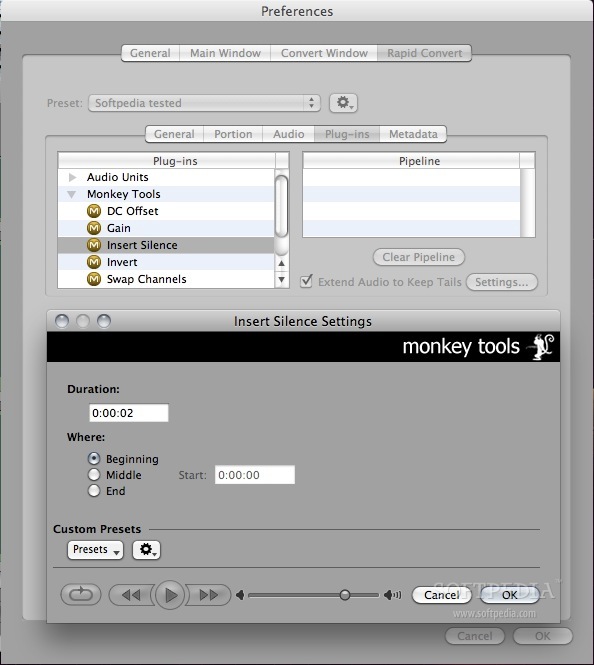
· Process: Perform advanced file processing on your audio assets and then open them in another application. Change formats, apply normalizing, apply AU and VST plugins. Create presets for quick recall of common settings. Apply advanced naming schemes to the output files.
Here are some key features of "Library Monkey Pro":
Power:
· Sophisticated processing engine for speed and stability.
· One window design.
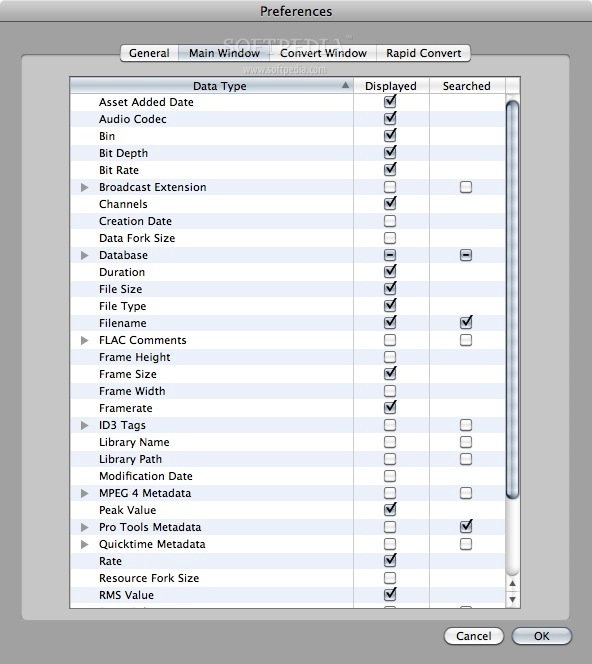
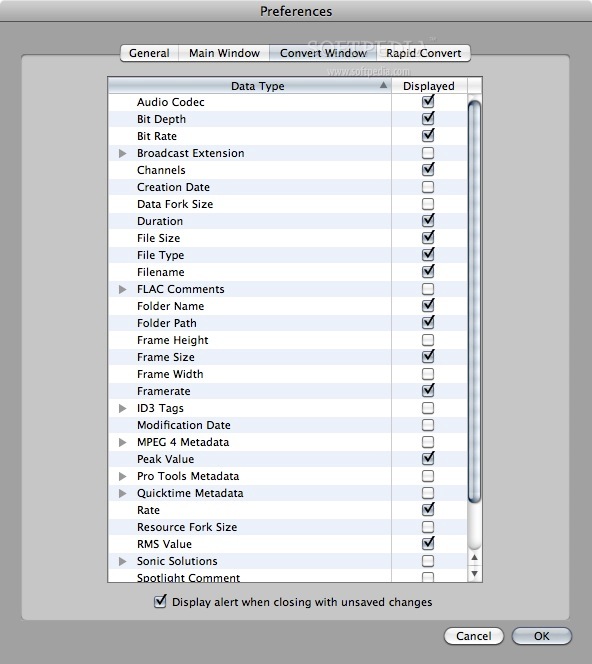
· Customizable list view.
· Resizable control section.
· Quick access to conversion-only session.
· Rapid Convert providing in-Finder file conversion.
· Unattended processing mode.
· Multiple error logging levels.
· Unicode support.
Asset Management:
· CD ripping with index support.
· User-defined fields.
· User-defined Sets.
· Smart Sets for automated searches.
· Recent search recall.
· Field specific searches.
· Multiple bins for quick asset recall.
· Support for Finder/Spotlight Comments, and other industry-wide standards.
· Open assets in external applications including Pro Tools, Digital Performer, etc.
· Quicktime movie video preview.
Waveform Editing:
· Mutli-channel editing.
· Movie Preview while editing.
· Waveform overview with advanced selection options.
· Sample-level editing.
· Resizable channel waveform view.
· Support for fades/loops/markers/regions.
· Auto-trimming.
· Auto-regioning with naming.
· Comprehensive edit actions.
Processing:
· Comprehensive conversion engine.
· AU and VST plugin support.
· Multi-channel file support.
· RMS and Peak normalizing.
· Force sample rate feature.
· Advanced naming options.
· User presets.
· "Retain Folder Structure" option.
· Naming options for Pro Tools compatibility with split audio files.
· Pull-up/pull-down sample rates.
· Custom sample rates.
· 31 character name limit support.
Metadata:
· Metadata batch-processing.
· Copy metadata from selection
· Support for Finder/Spotlight comments.
· Support for ID3 tags, Vorbis Comments, FLAC Comments, BWAV, Soundminer and Quicktime User Data.
· All metadata viewable in the List view.
Playback:
· Preview process settings.
· Full playback control including scrubbing.
· Playback slider.
· Loop playback.
· Quicktime movie video preview.
Requirements:
· Quicktime 6.4 or later (Quicktime 6.5 is required for AMR Narrowband support), (Quicktime 6.5.1 is required for Apple Lossless support).
· 800 x 600 screen resolution.
· Optical drive for CD ripping.
· OS X 10.5 or greater required for AAC Low Delay
Limitations:
· 15 days trial
What's New in This Release: [ read full changelog ]
Fixed a potential crash issue with searches:
· Fixed a crash issue when entering a search string with exclude keys where there were more include keys than exclude keys.
Enhanced AIFF Support:
· Updated the AIFF support to calculate more accurate file durations.
· Improved read support for 24 bit Integer encoded AIFC.
Enhanced WAVE Support:
· Fixed an issue that could cause a crash with malformed WAVE files.
· Added import and read support for IEEE Float samples.
Enhanced SD2 Support:
· Fixed some issues that could cause crashes when importing certain SD2 files.
Fixed Mountain Lion Issues:
· Fixed MP3 file reading.
· Fixed Edit menu issues.
Enhanced Float32 Audio Code Playback Support:
· Audio files encoded as Float32 samples should now playback on recent versions of OS X.
General enhancements:
· This version contains several other fixes and enhancements providing greater stability and efficiency.