
Advanced music notation software which enables you to create, edit and print sheet music using a wide range of professional tools #Music annotation #Song annotation #Create music sheet #Music #Annotation #Music sheet
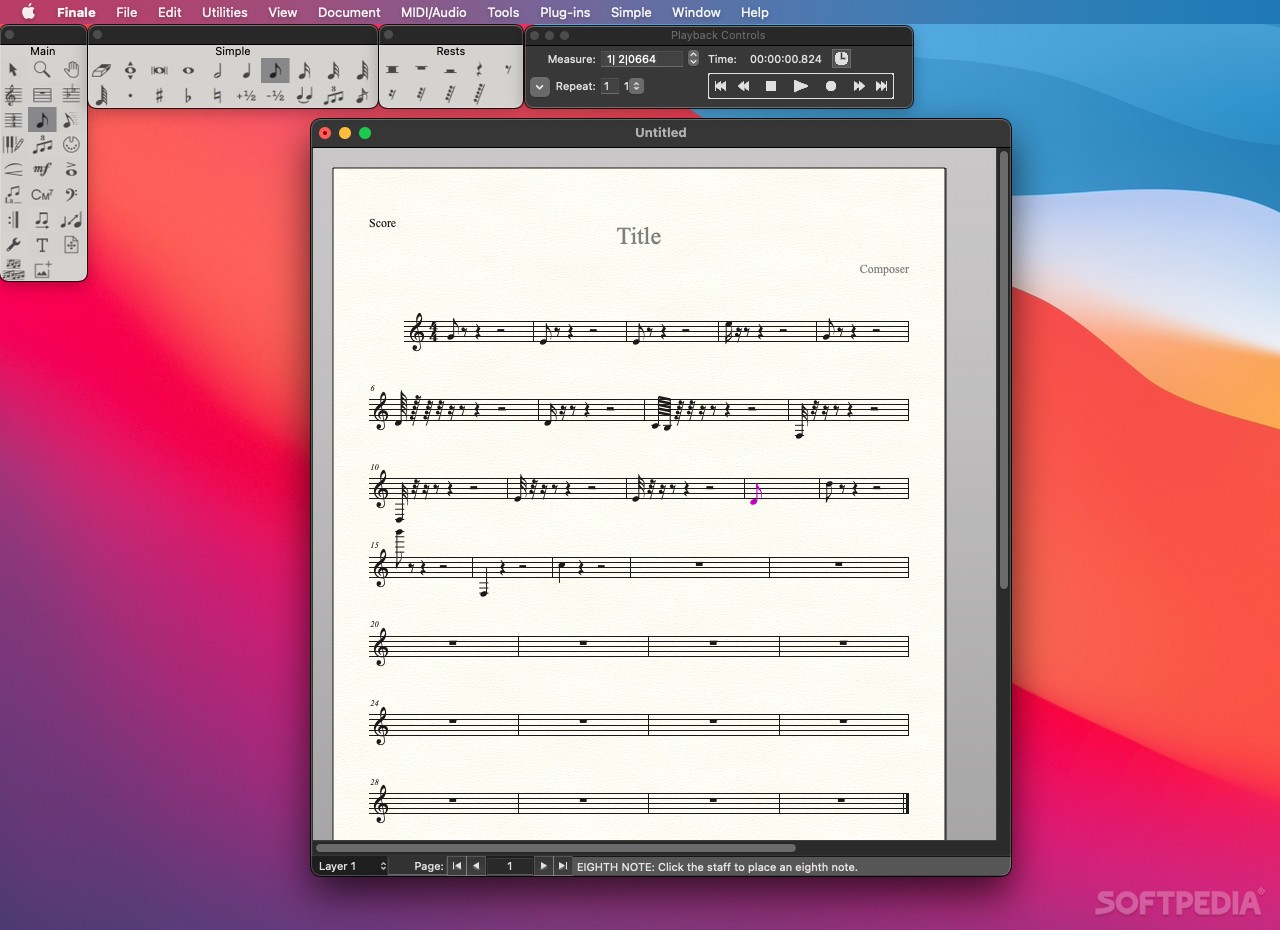
Finale is a well-designed and versatile scorewriter specially designed for musicians looking for a fully-featured notation app capable to help them create sheet music.
Finale comes with a user-friendly interface that enables you to perform fast corrections and easily edit the sheet from within a clean and uniform layout.
On top of that, Finale is capable to sound out and record your notes, fact that makes it easy for you to preview your composition.
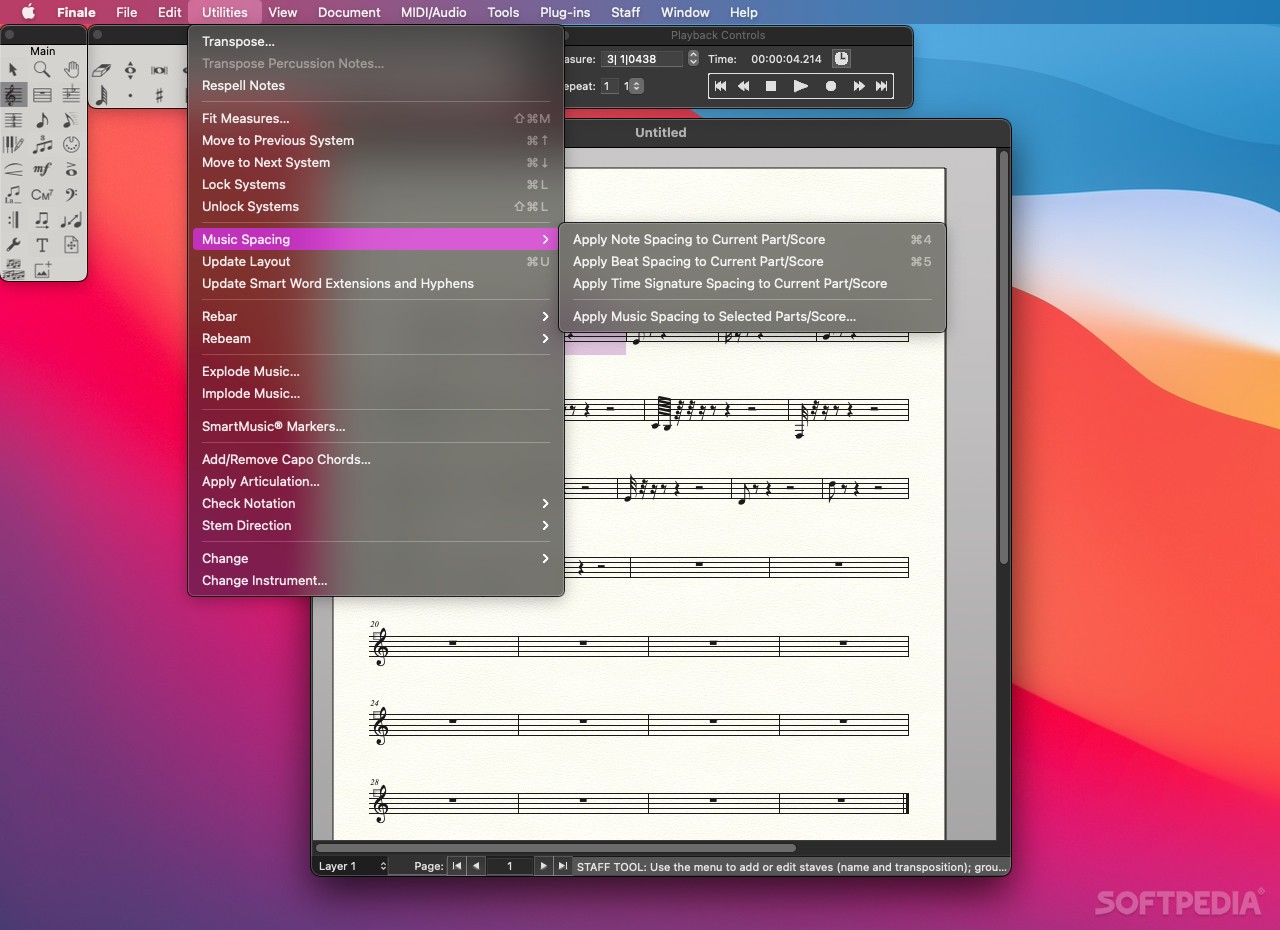
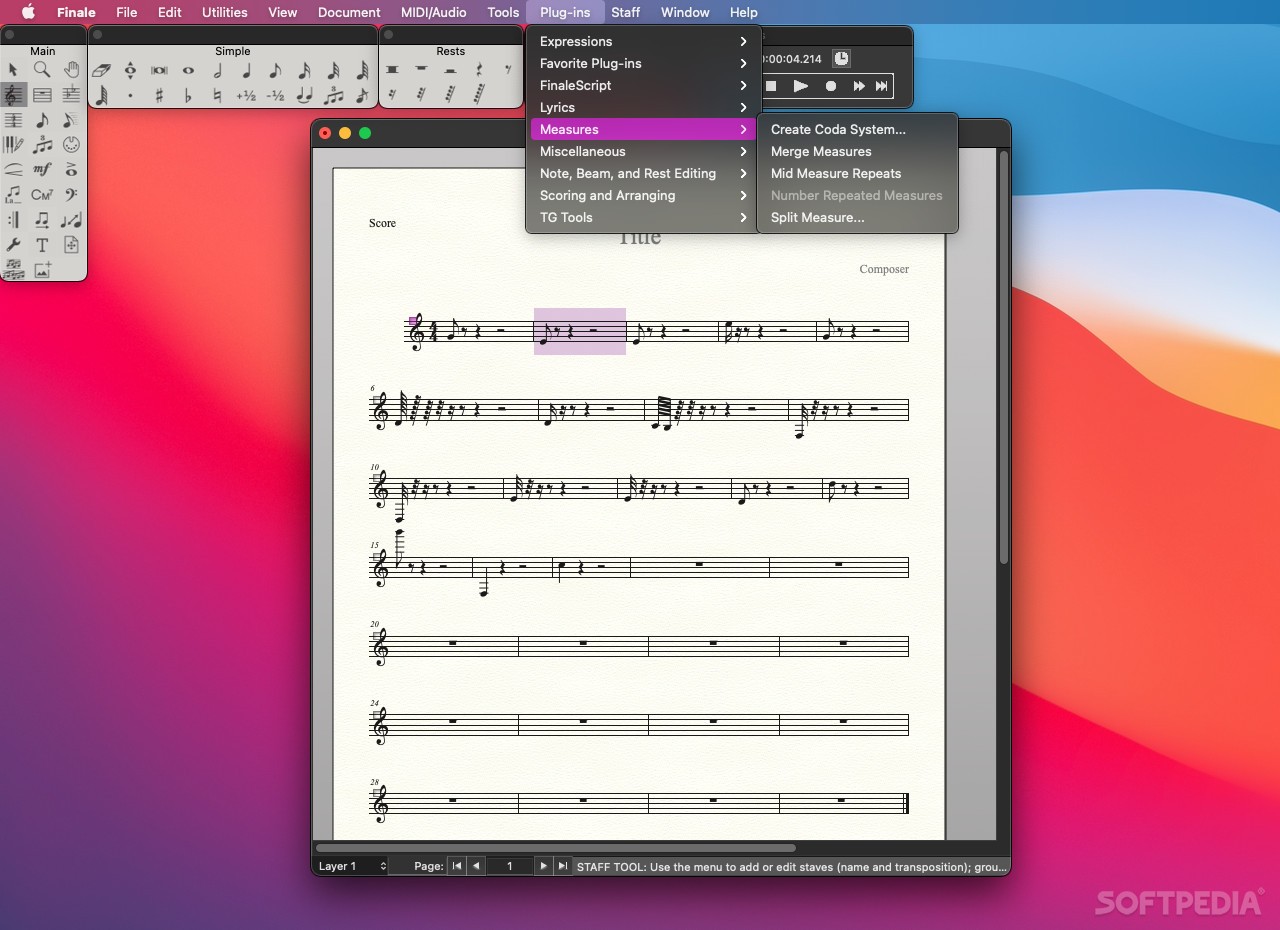
The intuitive interface helps you move measures, change keys and perform multiple edits in order to arrange, capture and print the musical composition with ease.
As an added advantage, Finale features creative and editorial input that helps spot out of range instruments and harmonize your melody.
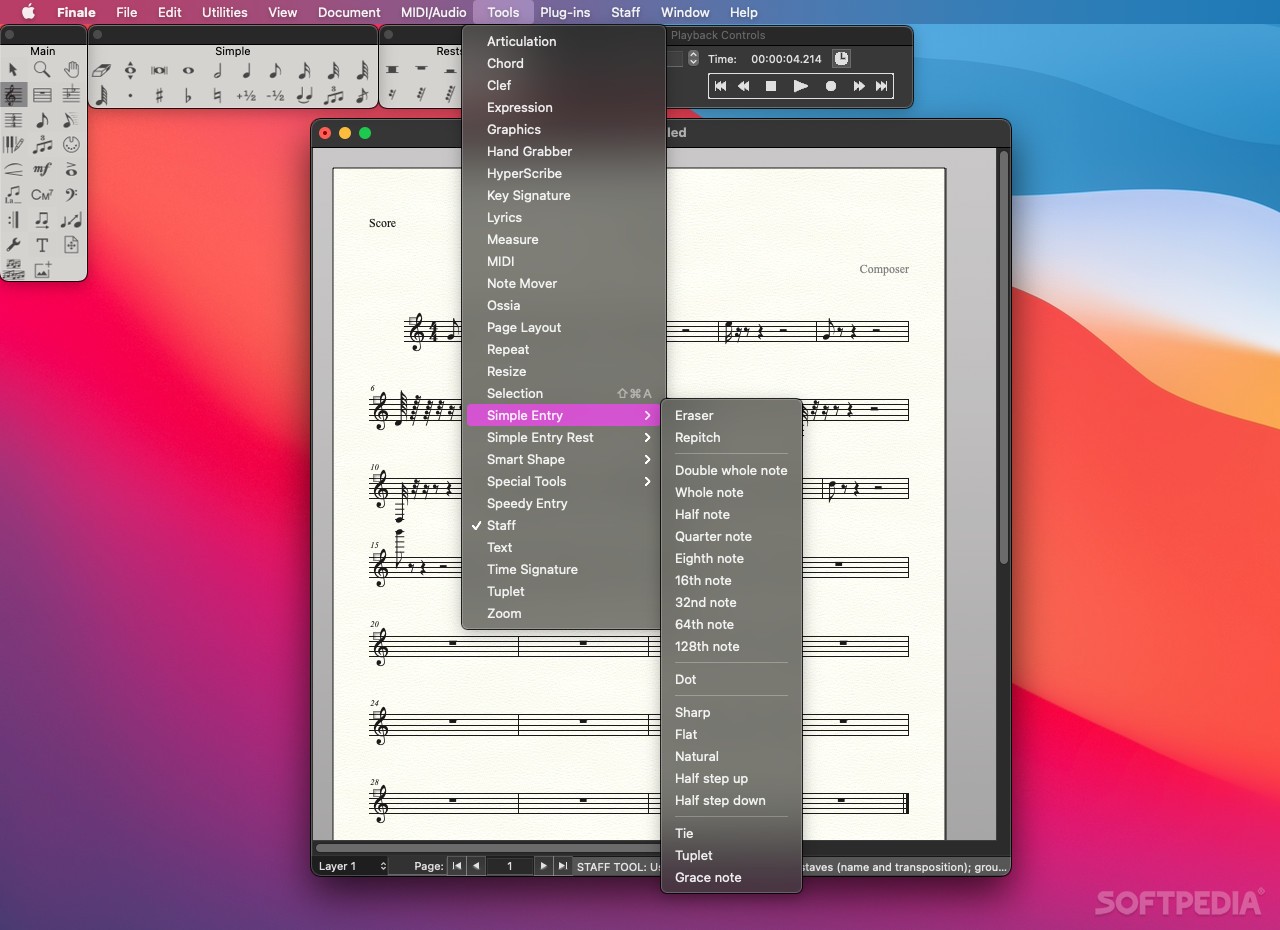
Finale allows you to play in your notes via a MIDI keyboard, your Mac’s keyboard and mouse, by scanning sheet music or by importing various file types, such as MusicXML or MIDI.
Finale also offers a high-quality selection of world-class instrument sounds from Garritan’s Personal Orchestra, Concert & Marching Band, Jazz & Big Band and World Instruments libraries. Sounds from Tapspace Virtual Drumline are also included.
Finale’s state of the art Human Playback feature is capable to play your music with all the phrasing, nuance and feeling of a live performance. A couple of examples are provided on Finale’s home page.
Your scores can be easily personalized to fit your style and, as a result, you can change the music fonts, chord symbols, time signatures, lyrics and percussion notations, as well as music spacing.
Moreover, the built-in Setup Wizard helps you find and choose the appropriate document style and make the desires changes with ease.
When you are happy with your work, you can share your music as audio files, MuxicXML or MIDI files, as well as PDF documents.
Finale 27.3.0.160
add to watchlist add to download basket send us an update REPORT- runs on:
- macOS 10.13 or later (Universal Binary)
- file size:
- 378.3 MB
- filename:
- FinaleDemoSetup.dmg
- main category:
- Audio
- developer:
- visit homepage
IrfanView

Windows Sandbox Launcher

7-Zip

Bitdefender Antivirus Free

ShareX

4k Video Downloader

Context Menu Manager

calibre

Zoom Client

Microsoft Teams

- calibre
- Zoom Client
- Microsoft Teams
- IrfanView
- Windows Sandbox Launcher
- 7-Zip
- Bitdefender Antivirus Free
- ShareX
- 4k Video Downloader
- Context Menu Manager