
Straightforward and user-friendly utility designed to protect your Mac from viruses, spyware, adware, hack-tools, paid dialers and jokers targeting. #Virus scanner #Malware protection #Mac antivirus #Antivirus #Anti-virus #Protect
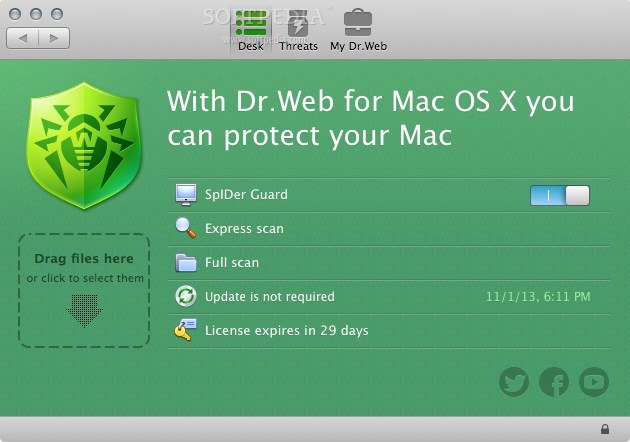
Dr.Web is a straightforward antivirus that promises to defend your computer against malicious apps for Mac OS X as well as other operating systems.
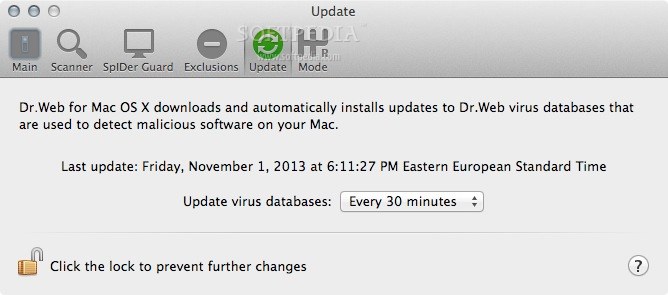
Dr.Web comes with a simple and clean user interface that enables you to quickly scan files and folders, enable the SpIDer Guard, update the virus database and view the number of detected threats. Moreover, you can initiate an Express or Full scan with just a click of a mouse button.
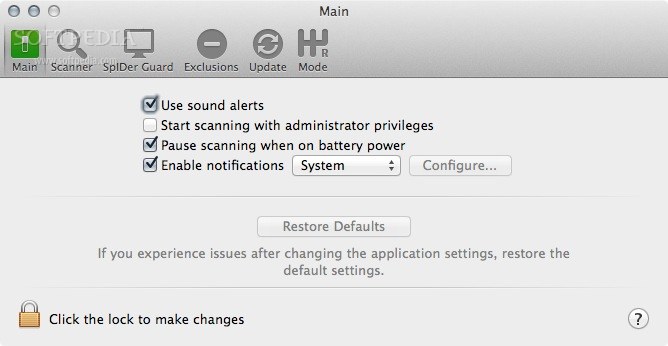
What is more, from Dr.Web’s status bar menu, you can disable or enable SpIDer Guard, open the app and update the antivirus. Thanks to the asynchronous scanning you can quickly and effortlessly scan your entire system while you work, without slowing down your Mac.
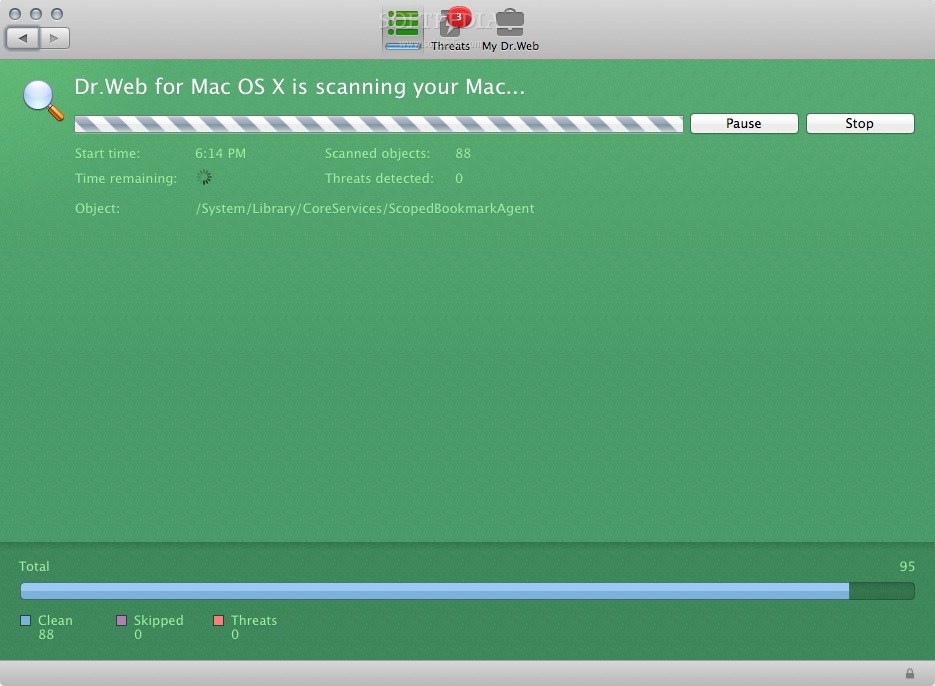
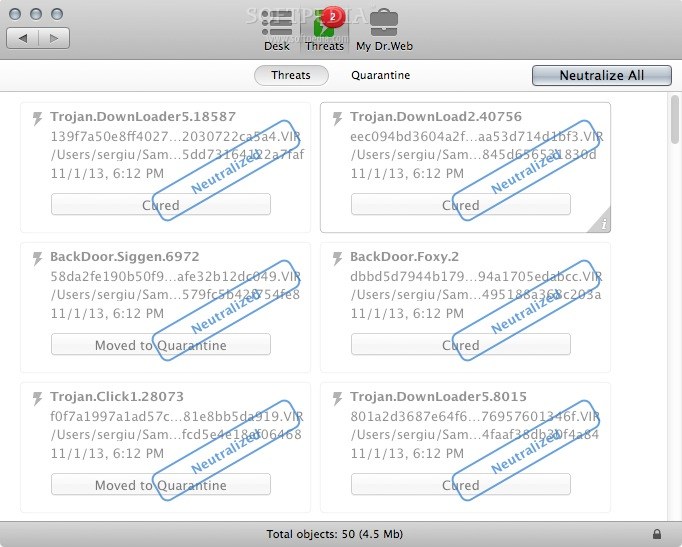
During the scanning process, you can view the number of scanned items along with the number of skipped files and detected threats. Moreover, you can pause or stop the scan at any time and resume it when you want to.
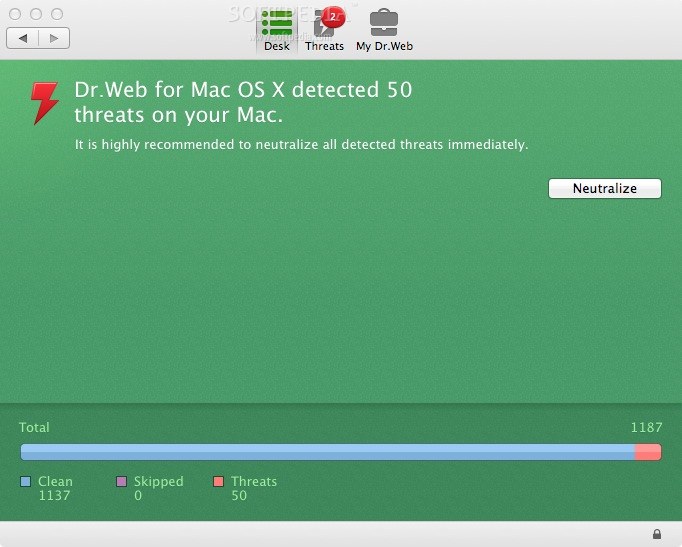
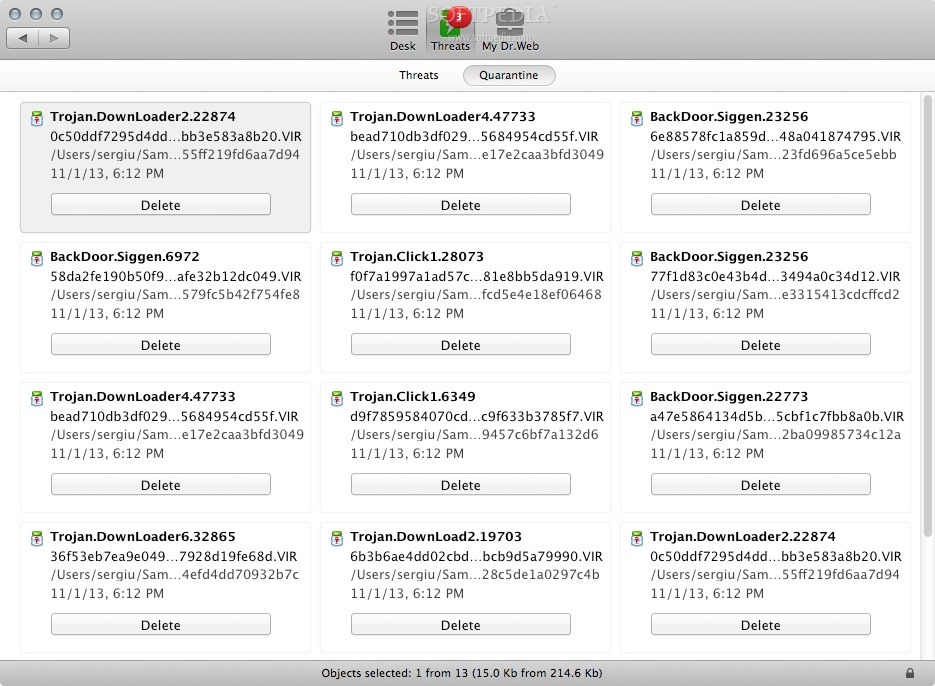
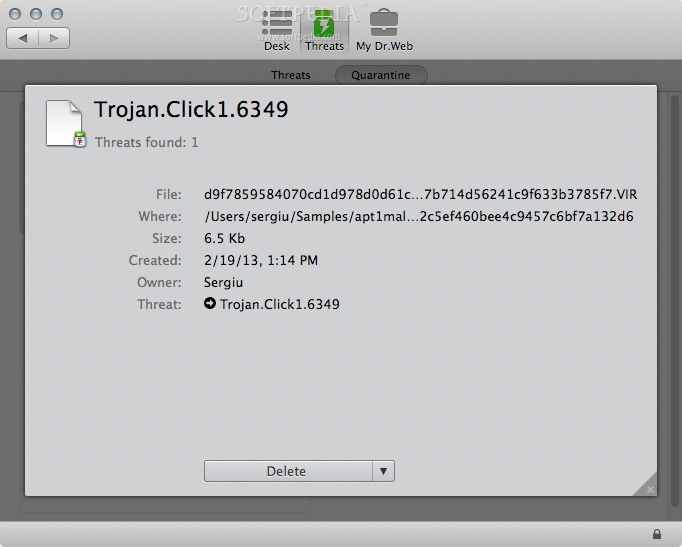
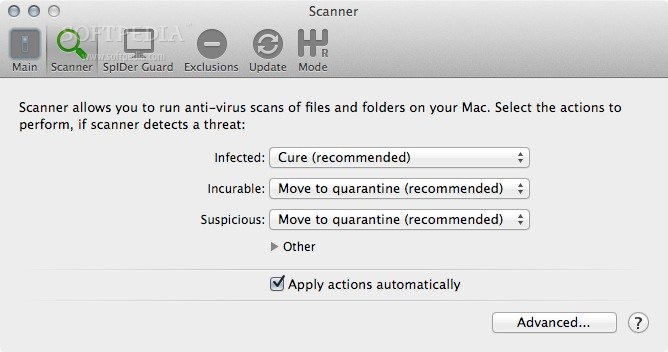
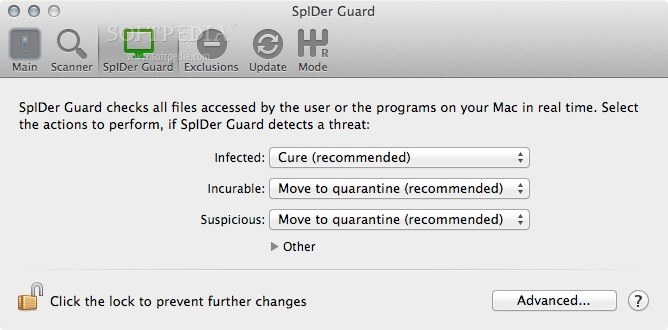
Once a threat is detected, Dr.Web is capable to neutralize viruses, Trojans and other malware. However, if the file cannot be cleaned, you can configure Dr.Web to move it to quarantine, delete or provide a provide a sequence of actions in case the first choice cannot be performed.
Constantly monitors all mounted removable media, emails, files and folders, including archives and packaged data. The advanced non-signature detection technology along with the intelligent heuristic analyzer provide protection against known, as well as unknown threats.
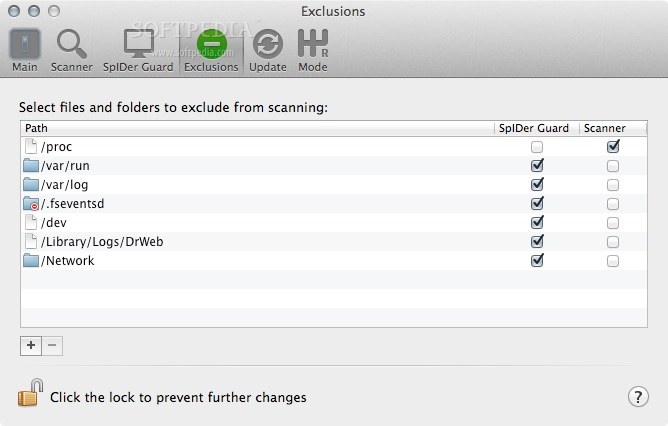
Dr.Web also helps you provide file or folder exceptions and adjust the size of the quarantine storage time. For additional information about the detected viruses, you can check the antivirus log that contains the time of each event, name of the scanned item and the action performed to protect your Mac.
Download Hubs
Dr.Web is part of these download collections: Virus Scanner, Detect Malware, Trojan Remover, Remove Worms
Dr.Web 11.0.4.201803230
add to watchlist add to download basket send us an update REPORT- runs on:
- Mac OS X 10.7 or later (Intel only)
- file size:
- 422.9 MB
- filename:
- drweb-11.0.4-av-osx.dmg
- main category:
- Antivirus
- developer:
- visit homepage
4k Video Downloader

paint.net

Zoom Client

Windows Sandbox Launcher

ShareX

IrfanView

calibre

7-Zip

Bitdefender Antivirus Free

Microsoft Teams

- 7-Zip
- Bitdefender Antivirus Free
- Microsoft Teams
- 4k Video Downloader
- paint.net
- Zoom Client
- Windows Sandbox Launcher
- ShareX
- IrfanView
- calibre